
Task: 2.1
Task Topic: A Nordic non-profit organization commissions you to create a website to promote mental health awareness.
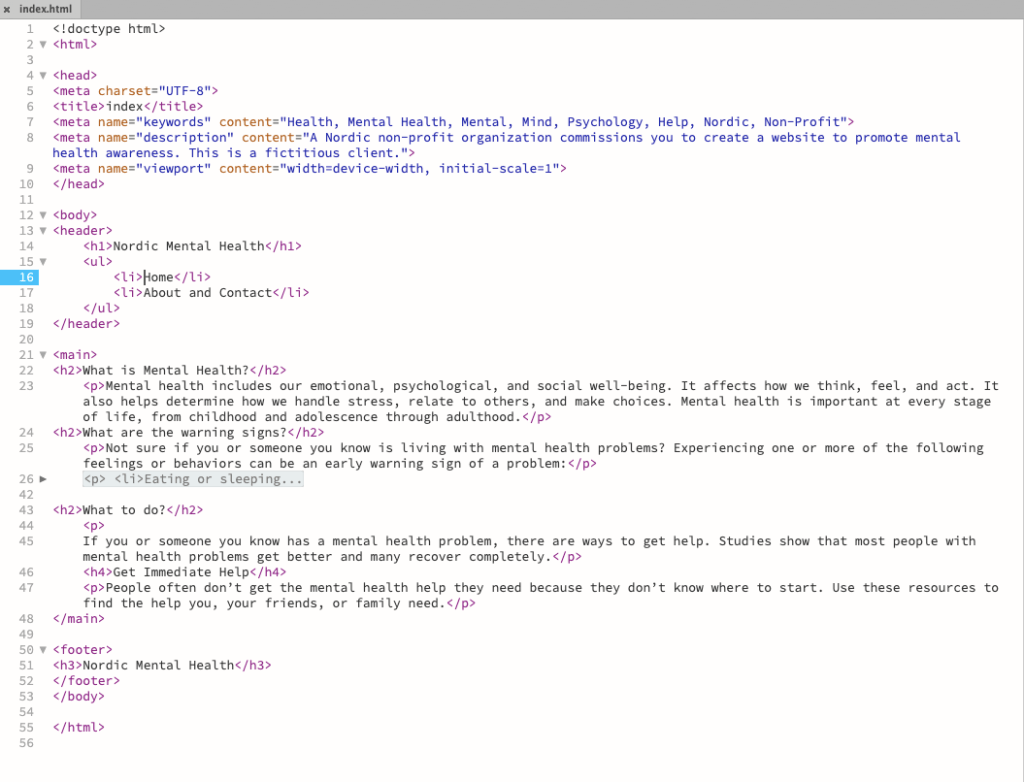
Here is the HTML code for the home page.
Here is the CSS code for the home page
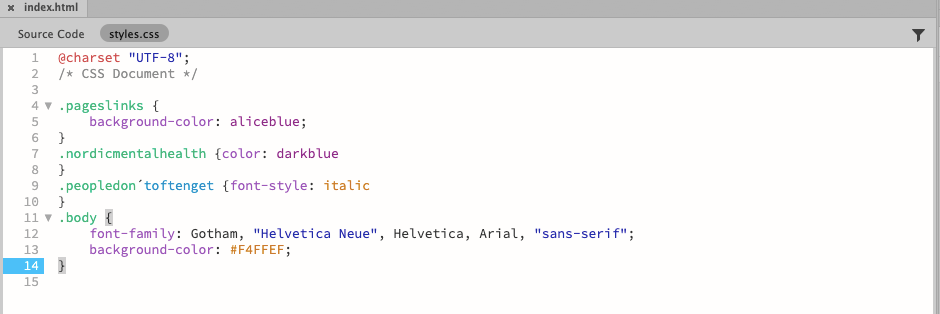


Task 2.2
Using what you’ve learned about general and more specific styling, apply a style to all text inside the <body> of the html document. Using a descendant selector, specify a different style for the links inside the list items of the navigation. Test to see if the link items render differently than the general body text.
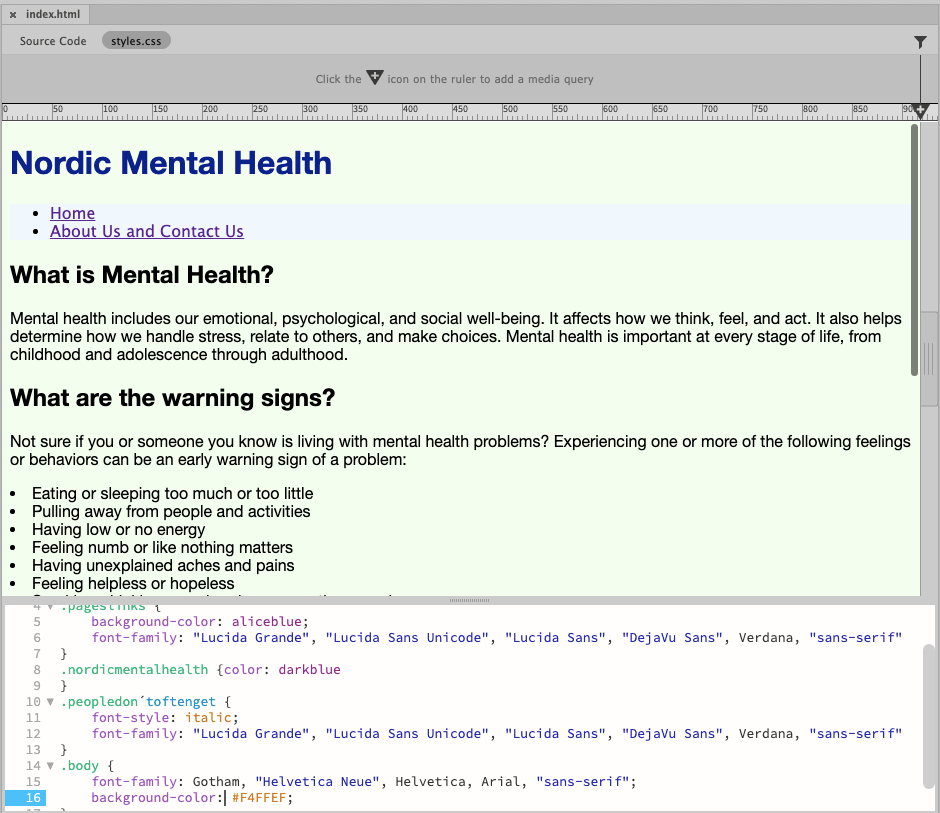
The body text is in the font-family Gotham. Navigation and an extra important text part are in Lucida Grande.
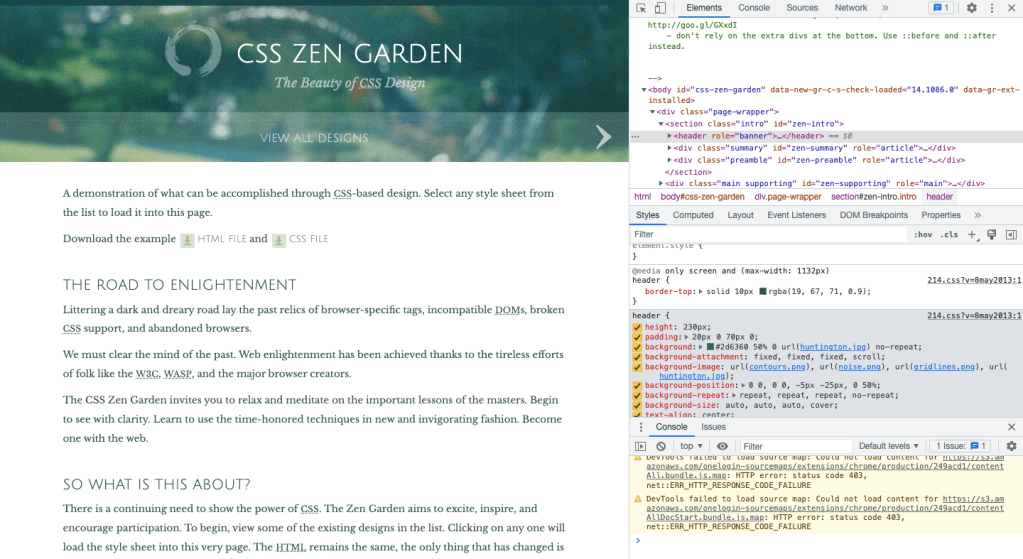
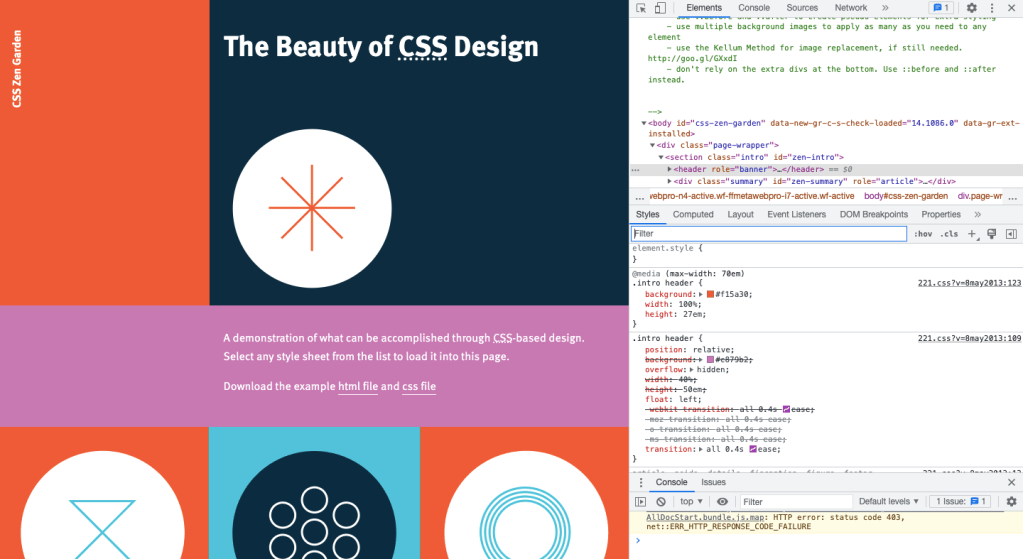

The website used for this task was http://www.csszengarden.com/
Header (H1) CSS rule set for a website in different CSS styles. The first one has a green background, the second one has red, and the third one doesn´t say


Paragraph (<p>) style was nested inside <div> on all the designs. Margins were different in the second one and in the third one, the <p> wasn´t in the block display.

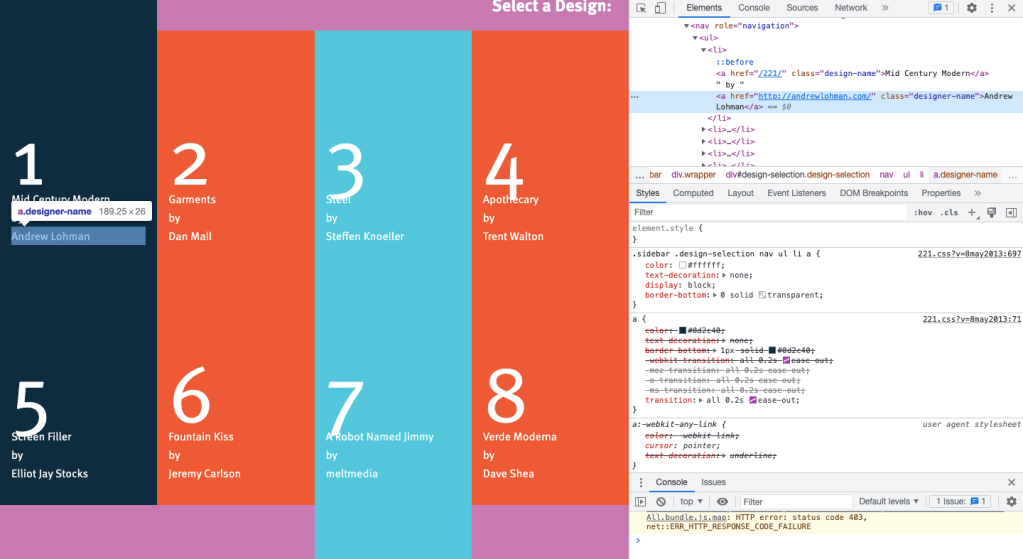
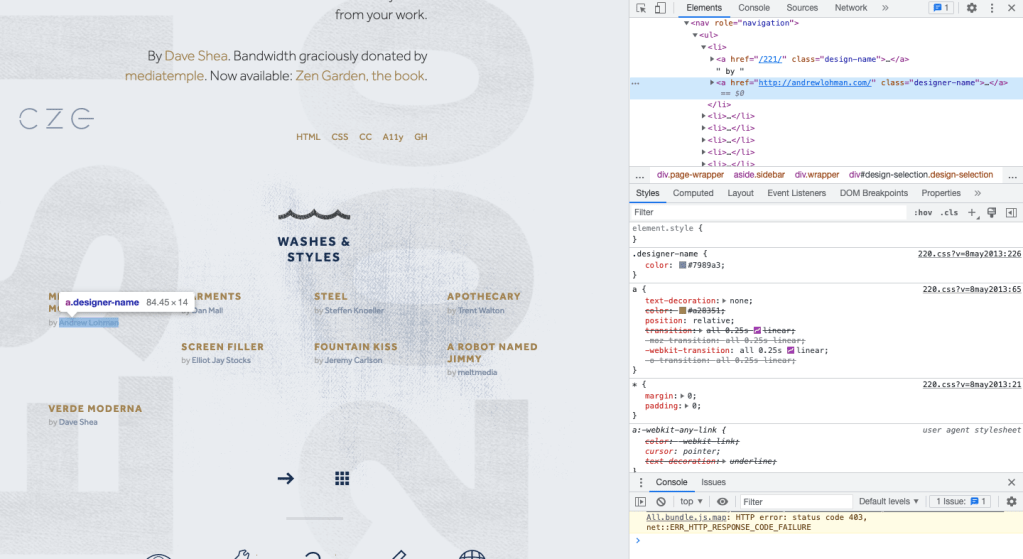
Finding the designer’s name was hard, but it was the easiest with the last one. But it became easier when I figured out where the names would be and noticed that hovering lit it up. Not easy, but easier.
 Yeisi Veronica